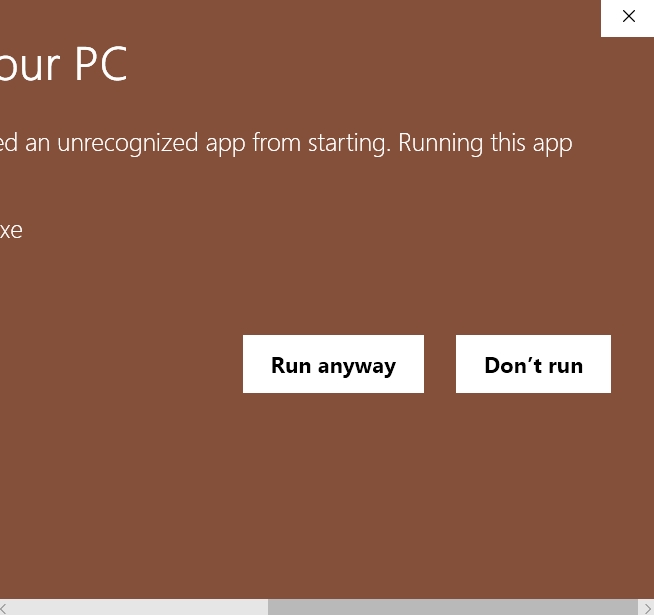
Windows SmartScreen
What to do if Windows SmartScreen appears
Windows may show a SmartScreen warning for new desktop applications until reputation has built up. Only continue if you downloaded the app from an official ABTOOLS product page.
1. Click More info
If SmartScreen blocks the app at first, choose More info.
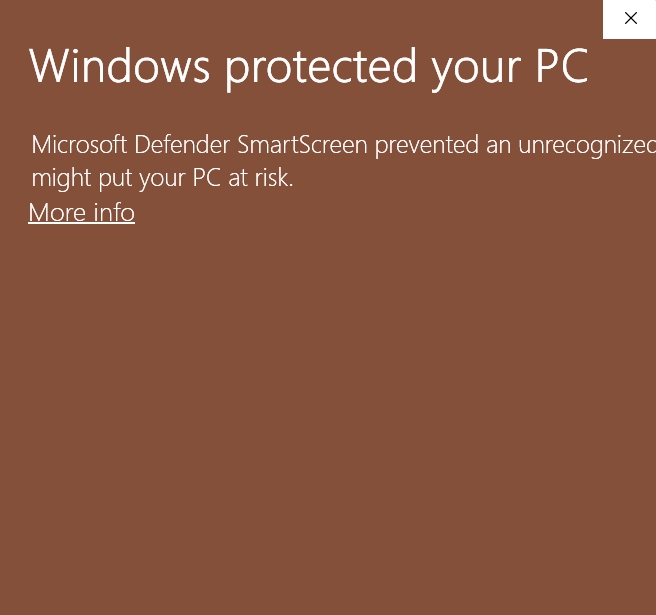
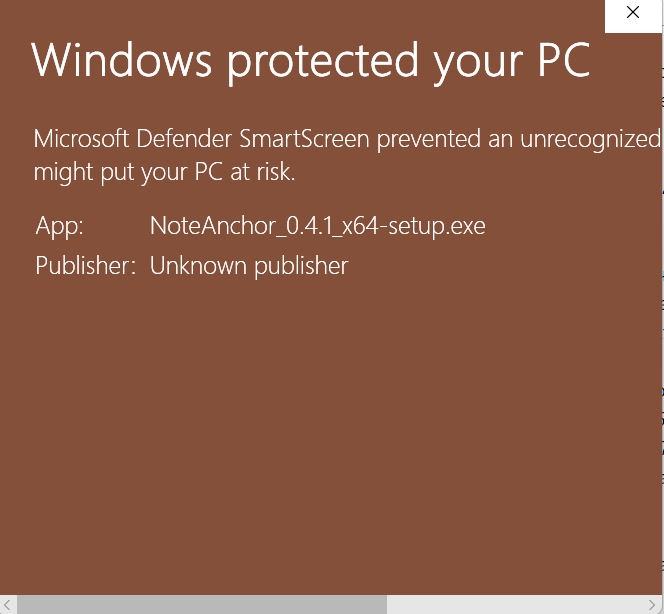
2. Confirm the second screen
After More info, Windows shows the expanded SmartScreen prompt.
3. Click Run anyway
Choose Run anyway to open the app.